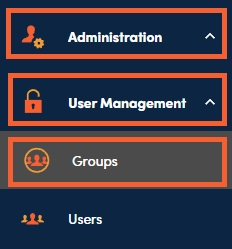
You can manage user groups under Administration, User Management, then Groups.
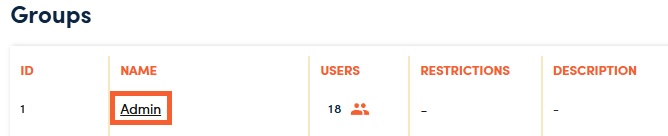
To manage existing groups, click on the Group Name.
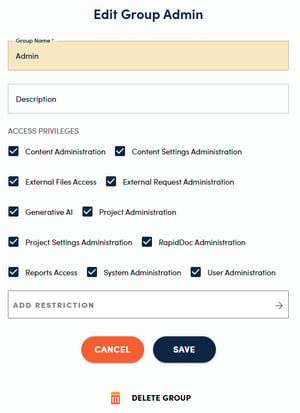
This will open open the Edit Group Admin side panel. Once you make your desired changes, click Save.
View and add group members by clicking on the orange icon in the Users column.

Click on the + to add a new user.

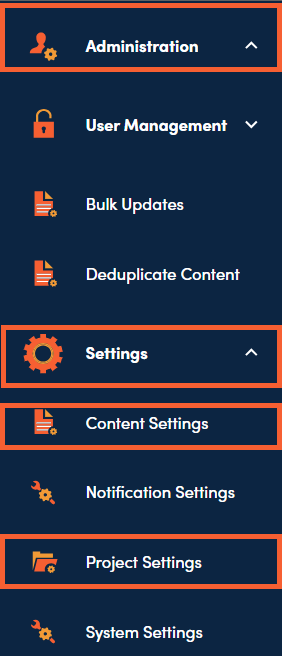
You can assign library access and workflow permissions to user groups in Administration, Settings, then Content Settings & Project Settings.