
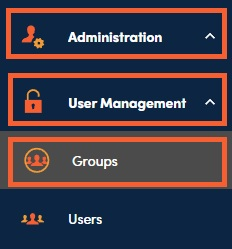
1. User Groups can be added under Administration, User Management, then Groups.
2. Click on the + to open the Create New Group side panel.

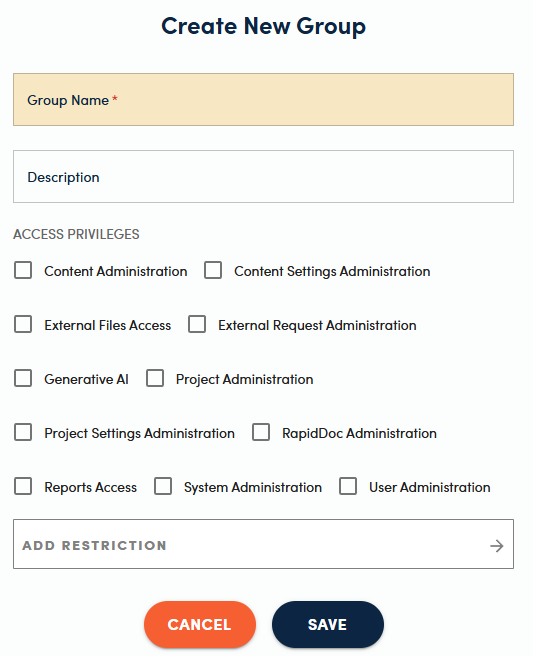
3. Enter a group name, select the appropriate access privileges, add restrictions if appropriate, and click Save.
📋Note:
Access privileges are described in detail in our ACCESS PRIVILEGES article.