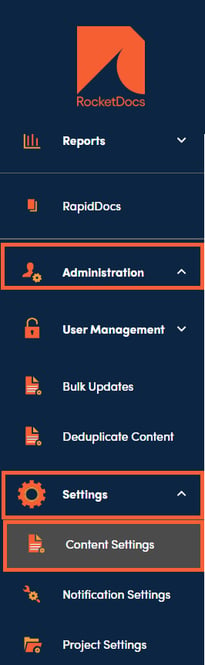
1. The Project Settings section can be found under Administration, Settings, then Project Settings.
2. Scroll down to the Attribute Profiles section and click on the + to add an Attribute Profile.

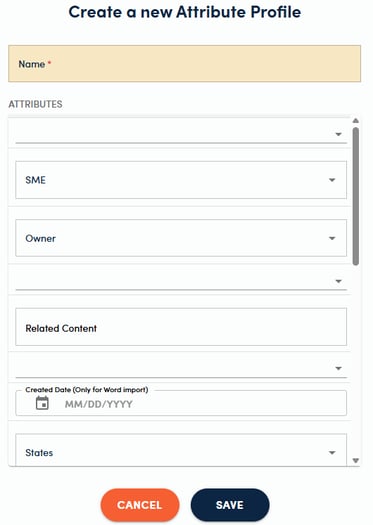
3. Enter a Name and fill in all commonly used values. Click SAVE. Your new Attribute Profile will be available in the list when you create a new project.
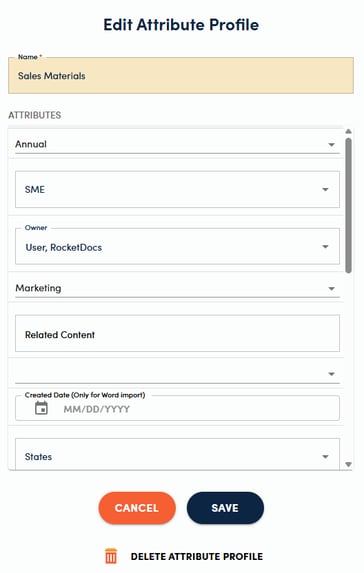
4. Edit existing Attribute Profiles by clicking on the name of the profile, updating the values in the side panel, and clicking SAVE.