
Click the following link: RocketVault Installer for Edge.
Click Get and follow prompts.

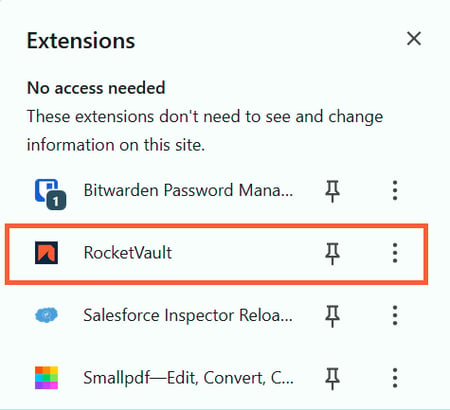
Click the Extensions icon to access the RocketVault or to pin it to the Navigation bar.
If you pin RocketVault to the Navigation bar, click on the RocketVault icon, in the top right corner of the screen. If you choose not to, you will use the Extensions icon to access RocketVault going forward.
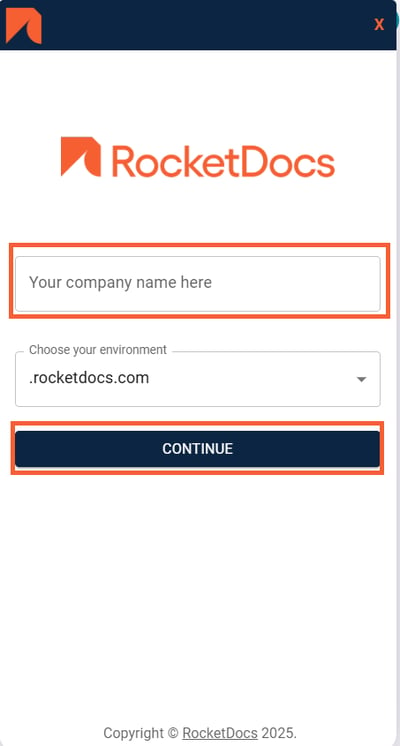
Enter your company name as it appears in your RocketDocs URL and click Continue.
You may have an option to log-in directly, via SSO, or both (depending on your configuration). Select your preferred log-in option.
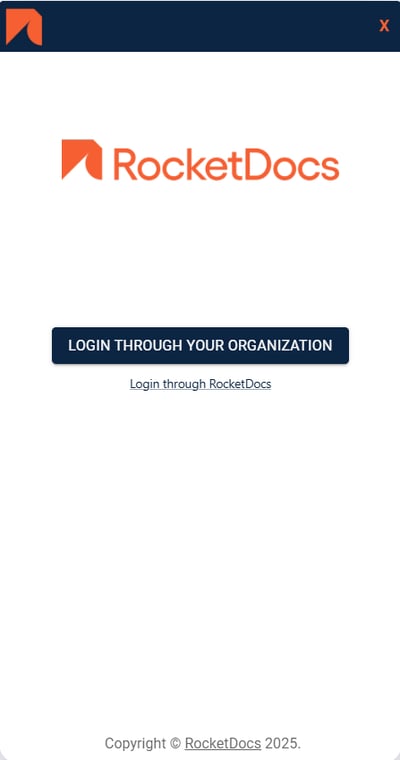
If you selected to Login through your Organization, follow the steps as directed on screen making sure that you are logged in to your organization’s RocketDocs instance.
If you select to Login through RocketDocs, use your RocketDocs user name and password to log in to the RocketVault, making sure that you are logged in to your organization’s RocketDocs instance.