FAQ's
Question: What does this mean?
Answer: When someone adds a user, that user will be automatically added to any group marked as Default.
Question: Can I change this on the add user screen?
Answer: Absolutely!
Question: Is there a maximum number of groups that can be set as default?
Answer: No.
Question: Are there any best practices or recommendations around using Default groups?
Answer: Yes, we recommend that, at minimum, you set the All Users group to be a Default group.
Question: Where can I set a group as default or change it to no longer be a default group?
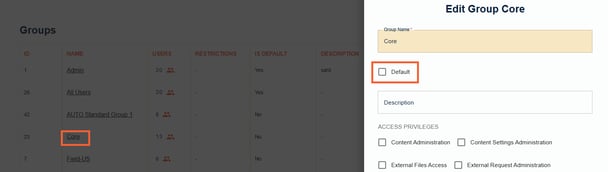
Answer: You can set a user group as default by clicking on an existing user group name and checking off the Default box.
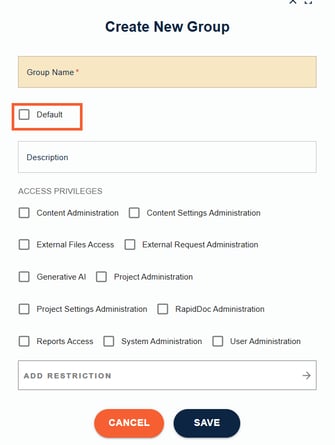
You can also set a group as Default, when creating a group, by clicking the + above the Groups table, naming the group, checking off the Default check box and clicking save.