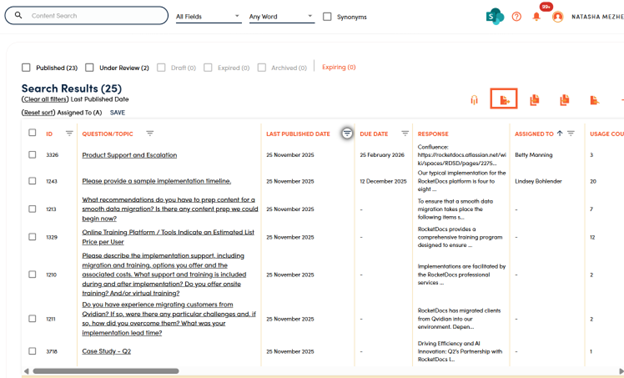
1. Make sure you clear any filters and searches that you have in place before beginning this process.
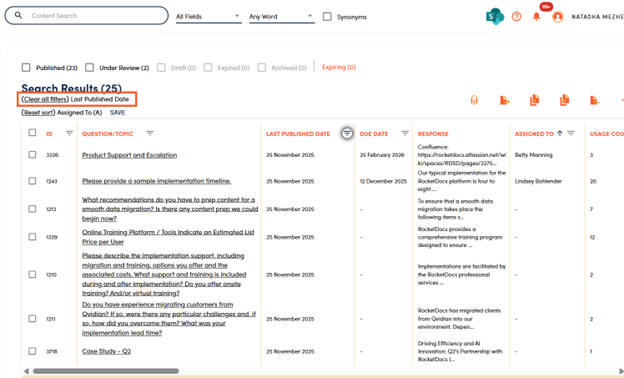
2. Enter a search term (if there is one, if there is not one click in the search bar and click enter).
3. Select fields you want to see in your report and the order that you want to see them.
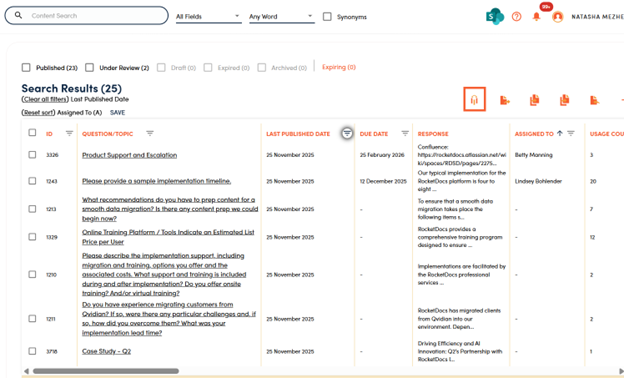
4. Apply any filters to get to the subset of content you want to include in your report.
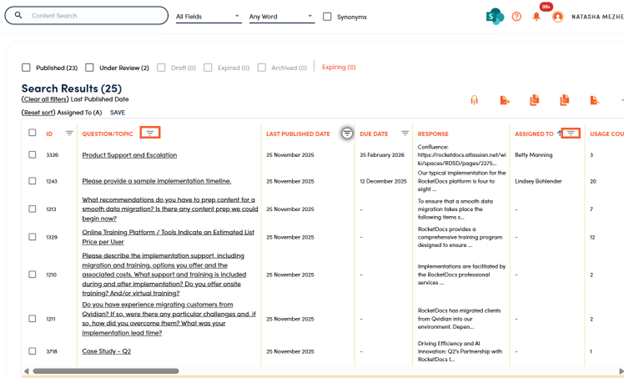
5. Apply any sorting to get your information in the order that you want it in.
6. Click the SAVE button.
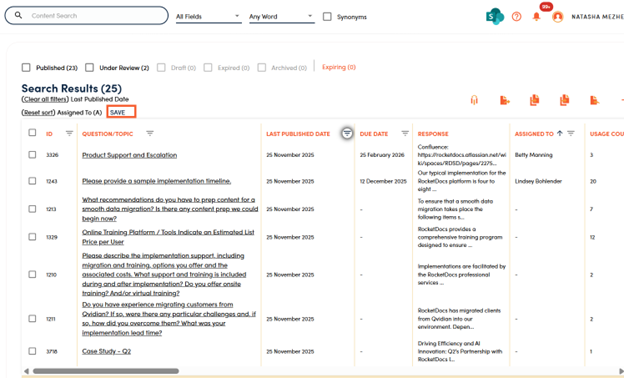
7. Name your report, choose whether you want to share it with others, then click SAVE.
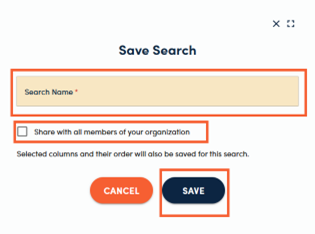
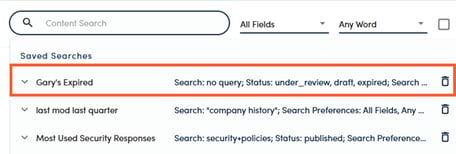
8. You will be able to access this subset of information in the future by clicking into the search bar and selecting the name of your saved search. The parameters of the report will stay the same over time while the result set will change. Results visible will also vary depending on what content the logged in user has access to.
9. You can then export your report to Excel to conduct further analysis.