We are pleased to announce the RocketDocs 2.65.0 release, is scheduled for Tuesday, February 24, 2026, during the standard maintenance window (8:00 PM – 11:00 PM ET). Brief service interruptions may occur during this period.
This release delivers several improvements designed to offer:
-
More flexible content assembly in RapidDocs
-
Streamlined Excel‑based updates with smarter field handling
-
Expanded content import capabilities
-
UI and LaunchPad refinements that improve clarity and ease of use
Here is a video walkthrough of our updates:
Content
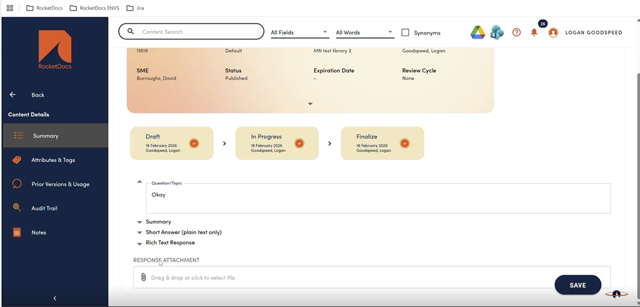
Content Details Summary - View Refinements
Some minor UI enhancements to make it easier for newer users to know what kind of responses to enter into the various fields of the content creation page.
Excel Import & Updates
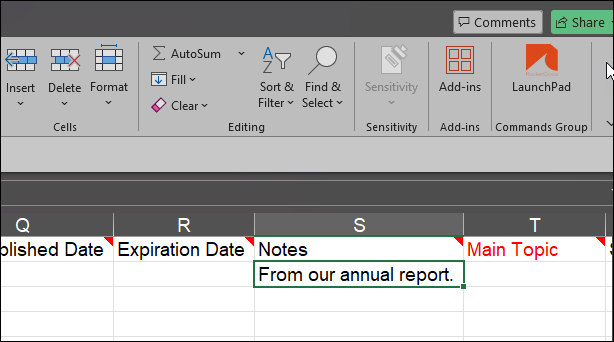
📋Import Notes
Users will now be able to import content notes using the Excel Import tool. This option is currently only available for new content imports.
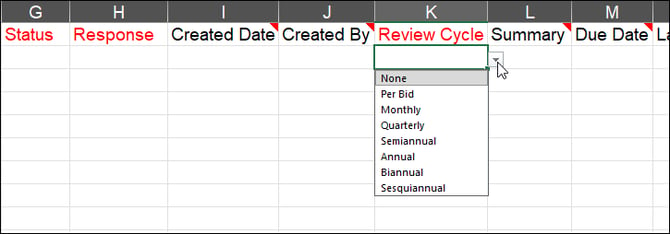
Picklist Dropdown Values
When you export an Excel template for creating new content records, you will now see dropdown lists for each item with an associated picklist. For example, contact fields like SME or custom picklist fields like Main Topic will now have your available options listed.
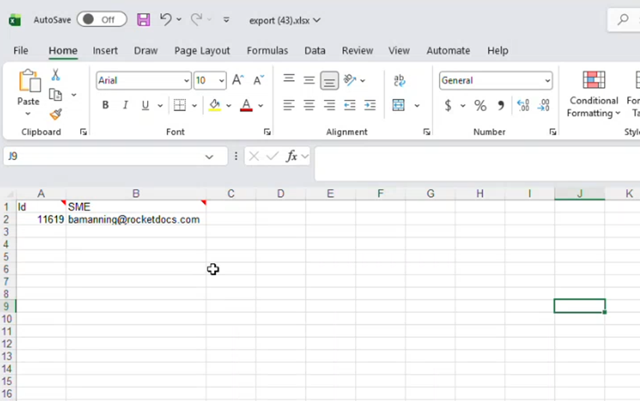
Update Selected Fields (Using Content ID)
When exporting content to Excel for updates, you will now only need to include the Content ID and the fields you wish to change. This simplifies quick updates like responses, specific attributes, or the SME field.
LaunchPad
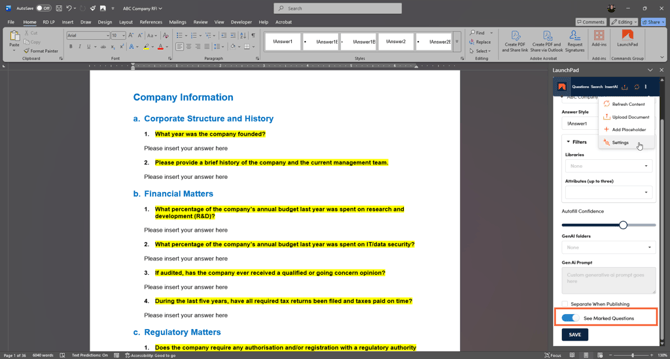
See Marked Questions - Automatically Enabled
When you create a new project, the “See Marked Questions” setting is now enabled by default. If you prefer to turn this off, go to the Settings menu in LaunchPad, toggle the option off, and click Save.
With this feature on, RocketDocs highlights where questions were found:
-
Yellow = a question identified by RocketDocs
-
Red = a question where an expired answer was used to autofill the response
This allows you to quickly spot areas that may need attention or updates.
RapidDocs
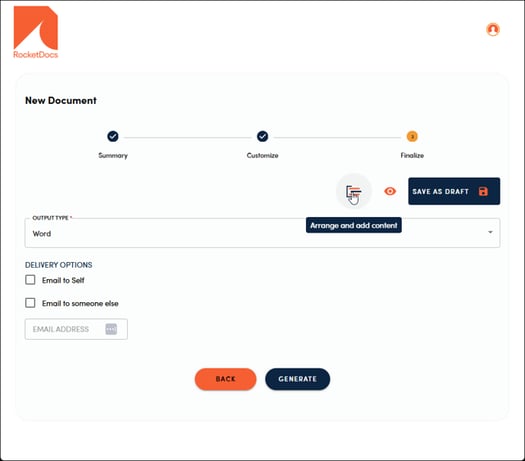
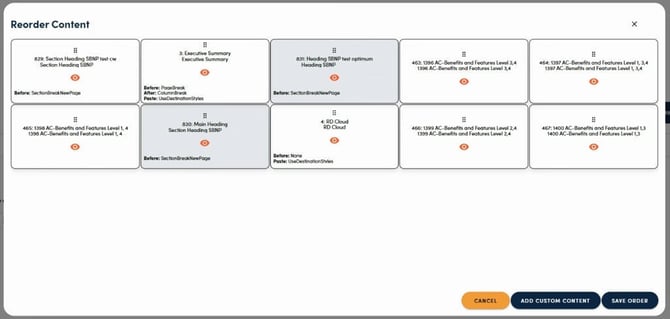
Arrange and Add Content
On the final screen, before clicking Generate in your RapidDoc, users can now reorder content and add custom content. This enhancement gives teams greater flexibility to tailor each RapidDoc, allowing them to create customized pitch decks, proposals, or contracts based on a shared template. If you would like to enable this feature, please reach out to your CSM.